For cafes, restaurants and bars
Employee scheduling for Dutch cafes, restaurants and bars
The question that decides a scheduling tool is not its feature list. It is whether the week it draws looks like the week you run: a kitchen that opens at nine, a split shift across lunch and dinner, a close that finishes after midnight, and a Saturday where someone calls in sick at twenty past nine.
So this page is one week, worked end to end. Every hour and every euro below comes out of Rosterly's own calculation, with the rules the product applies while you plan: split gap unpaid, unpaid break deducted, surcharges counted per calendar day. Sunday is in this week, and so is a marked public holiday.
Rosterly is planning software. It is not legal or payroll advice.
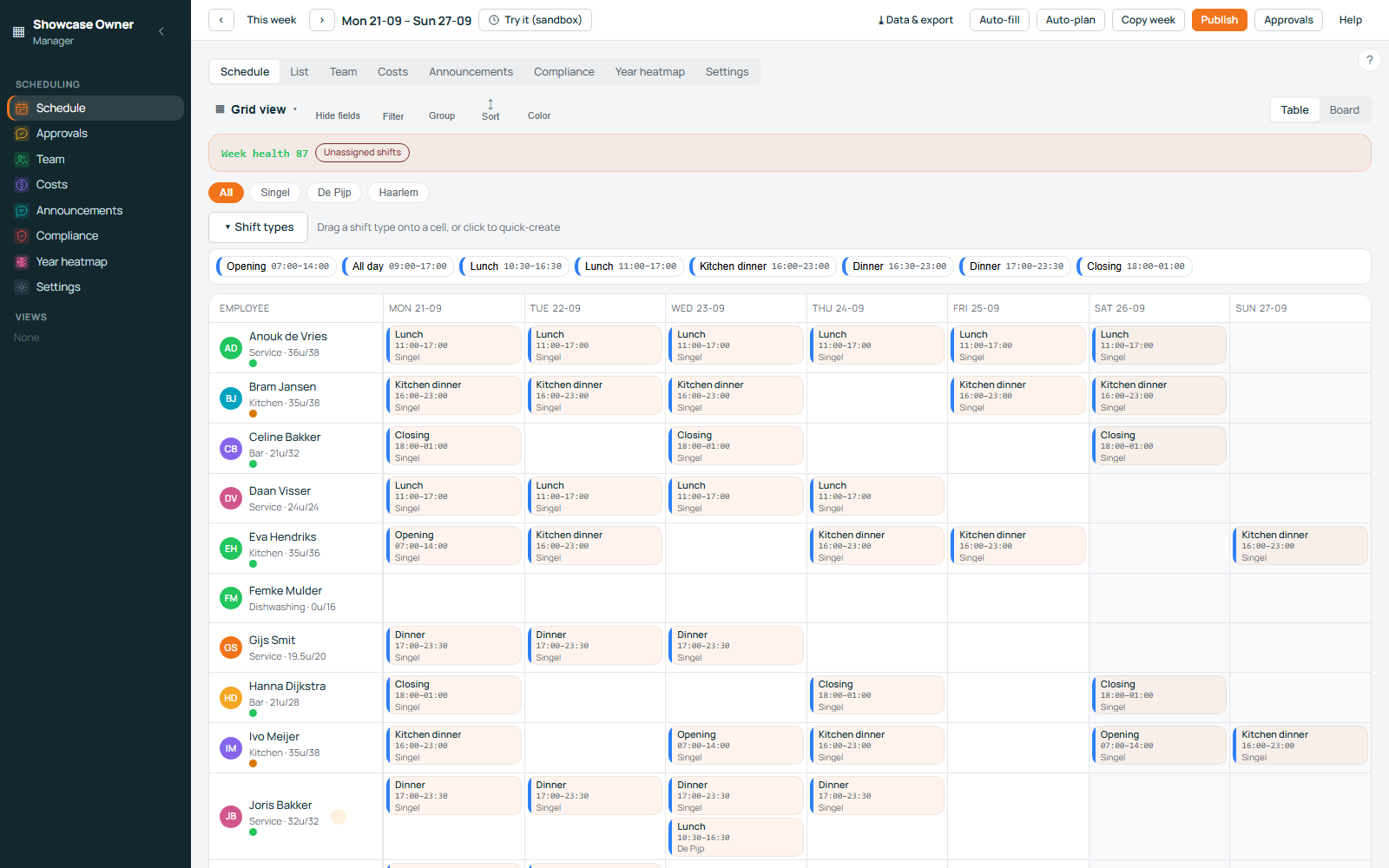
The example
One restaurant, six people, four shift shapes
A neighbourhood restaurant in a Dutch city: one location, open seven days, six people on the roster, each with an hourly wage typed in once. The week is Monday 21 to Sunday 27 December 2026, and one date in it — Friday the 25th — is marked as a paid public holiday.
What the week is built from
| Shift shape | Clock times | Break or gap | Paid hours |
|---|---|---|---|
| Kitchen opening | 09:00–15:00 | 30 minutes unpaid | 5.5 |
| Split shift | 12:00–15:00 and 17:00–22:00 | the two hours in between are unpaid | 8.0 |
| Closing shift | 17:00–01:00 | 30 minutes unpaid | 7.5 |
| Late bar, Saturday | 23:00–02:00 | no break | 3.0 |
The split shift is the shape most tools handle badly. Rosterly stores it as one shift with a start, an end and a gap; the two hours between the services are never paid, because the person is not there. So 12:00–22:00 is ten hours on the rota and eight paid ones.
A closing shift needs no special case either: an end time earlier than the start means the shift crosses midnight, so 17:00–01:00 is eight hours on site and seven and a half paid — and it is the shift that quietly collects a night percentage and, at the end of a week like this one, a Sunday one.
The week
The same week, shift by shift
Twenty-one shifts, 144.5 paid hours. The percentage column is what this workspace's rules make each shift carry; the cost column is paid hours × hourly wage, plus that percentage.
| Day | Shift | Who | Paid hours | Percentage applied | Cost |
|---|---|---|---|---|---|
| Mon 21 | Kitchen opening | Sanne | 5.5 | none | €82.50 |
| Mon 21 | Split shift | Youssef | 8.0 | none | €112.00 |
| Mon 21 | Closing shift | Daan | 7.5 | night 25% | €131.25 |
| Tue 22 | Kitchen opening | Sanne | 5.5 | none | €82.50 |
| Tue 22 | Split shift | Youssef | 8.0 | none | €112.00 |
| Tue 22 | Closing shift | Iris | 7.5 | night 25% | €131.25 |
| Wed 23 | Kitchen opening | Sanne | 5.5 | none | €82.50 |
| Wed 23 | Split shift | Youssef | 8.0 | none | €112.00 |
| Wed 23 | Closing shift | Daan | 7.5 | night 25% | €131.25 |
| Thu 24 | Kitchen opening | Sanne | 5.5 | none | €82.50 |
| Thu 24 | Split shift | Youssef | 8.0 | none | €112.00 |
| Thu 24 | Closing shift | Daan | 7.5 | night 25% + holiday 100% | €236.25 |
| Fri 25 — holiday | Kitchen opening | Sanne | 5.5 | holiday 100% | €165.00 |
| Fri 25 — holiday | Split shift | Youssef | 8.0 | holiday 100% | €224.00 |
| Fri 25 — holiday | Closing shift | Daan | 7.5 | night 25% + holiday 100% | €236.25 |
| Sat 26 | Kitchen opening | Youssef | 5.5 | none | €77.00 |
| Sat 26 | Split shift | Merel | 8.0 | none | €108.00 |
| Sat 26 | Closing shift | Daan | 7.5 | night 25% + sunday 50% | €183.75 |
| Sat 26 | Late bar 23:00–02:00 | Merel | 3.0 | night 25% + sunday 50% | €70.88 |
| Sun 27 — Sunday | Split shift | Nour | 8.0 | sunday 50% | €162.00 |
| Sun 27 — Sunday | Closing shift | Iris | 7.5 | night 25% + sunday 50% | €183.75 |
| Week, 21 shifts | 144.5 paid hours, €2,041.00 in wages, €777.63 in surcharges | total | €2,818.63 | ||
What each day costs, before you publish it
The expensive day is not the busy one: it is the one with a holiday and a close that runs into it.
Hours per person for the week: Sanne 27.5, Youssef 45.5, Daan 37.5, Iris 15, Merel 11, Nour 8 — visible while you drag shifts, so nobody is asked to carry the week before you notice.
| Day | Hours | Cost |
|---|---|---|
| Mon 21 | 21.0 | €325.75 |
| Tue 22 | 21.0 | €325.75 |
| Wed 23 | 21.0 | €325.75 |
| Thu 24 | 21.0 | €430.75 |
| Fri 25 | 21.0 | €625.25 |
| Sat 26 | 24.0 | €439.63 |
| Sun 27 | 15.5 | €345.75 |
The surcharges
What Sunday and the public holiday do to the same week
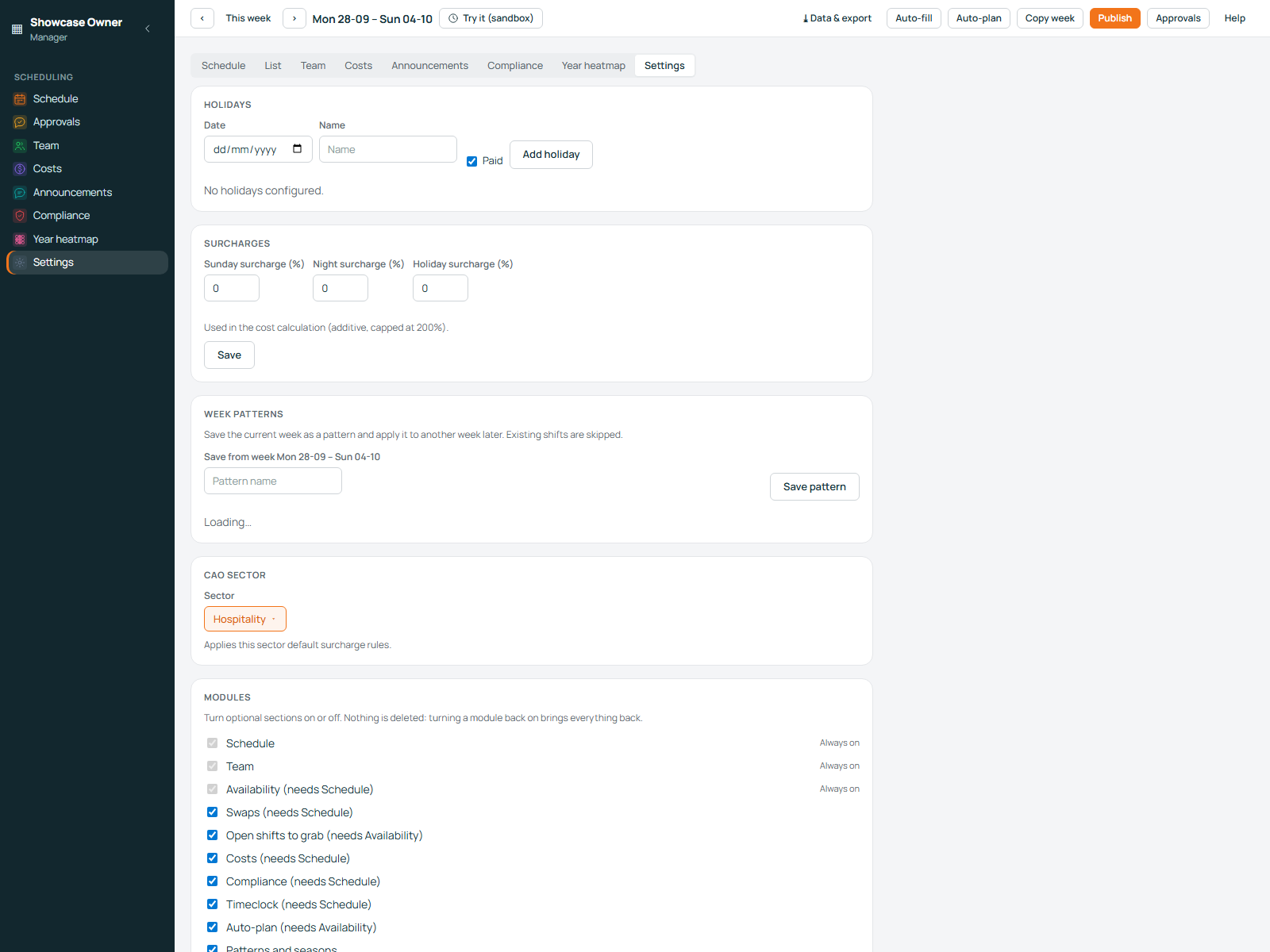
This workspace has three rules, the defaults a hospitality workspace starts with: Sunday 50%, night (00:00–06:00) 25%, public holiday 100%. Every percentage is editable per workspace, each between 0 and 200. They add up, and the total for one shift is capped at 200%.
- Counted per calendar day. A shift earns the Sunday percentage if any part of it lands on Sunday, so Saturday's 23:00–02:00 bar shift carries it.
- The overnight case works both ways. Thursday's close begins on an ordinary Thursday and ends at 01:00 on the marked holiday: 25% night plus 100% holiday turns €105.00 of wages into €236.25.
- The cap protects the plan. Holiday, Sunday and night together would be 175%; 200% is the ceiling.
- The calendar is yours. Every date gets a name and a paid flag. Mark Boxing Day too and every Saturday shift picks up another 100%: the week goes from €2,818.63 to €3,149.13.
The week in three lines
€2,041.00
€777.63 — Sunday lines €179.25, holiday lines €404.50, night lines €193.88
€2,818.63
Take the Sunday and the marked holiday out of the same roster, keep the night rule, and the week costs €2,234.88 for the same 144.5 hours: the two day-based rules are worth €583.76. That is the money that goes missing when surcharges are worked out afterwards, from memory.
The percentages and the holiday list are the ones you enter, so check them against your own collective agreement and your payroll bureau. Rosterly is planning software, not legal or payroll advice.
Saturday, 09:20
One phone call, and the shift is open again
-
The person who cannot work says so
From their own schedule in the employee app, for today or any later shift: the shift is marked as a sick call-in, goes back to open, stays published and carries a note. The planners are notified straight away.
-
Only the people who could do it are asked
Before anyone is messaged, the shift is checked against availability, department and location, rest between shifts, hour limits and personal rules. The bar team is not asked to cover a kitchen shift.
-
On this Saturday, Youssef takes it
He was off and mapped to the kitchen opening, so he takes the 5.5-hour shift at €14.00 instead of Sanne at €15.00. The week goes from €2,824.13 to €2,818.63, and the hours stay at 144.5.
-
If nobody can take it
Leave it open: the open-shifts link you have already shared keeps showing it, or offer it as a swap — confirming itself or waiting for your approval, your choice.
Youssef ends the week on 45.5 hours once he has covered, Sanne on 27.5. Rosterly also flags what a full week hides: more than 12 hours in one day, less than 8 hours rest between shifts, more than 60 hours in a week, and separate limits for staff under 18. Those checks help a planner; they are not a legal opinion on your rota.
Fit
What else it already assumes about a horeca week
- A split shift is one shift with an unpaid gap, not two that confuse the hours total.
- Each shift shows the percentage it carries while you plan.
- A holiday calendar with a name and a paid flag per date, and duplicates refused.
- Copy last week's roster; a template already on a date is skipped, not doubled.
- Swaps: an employee puts a shift on the board, and you decide if it confirms itself.
- An hourly wage per person, and a warning when one is missing instead of costing them at zero.
- Cost per day and per location against a weekly budget, with a cap per day that turns amber before you publish.
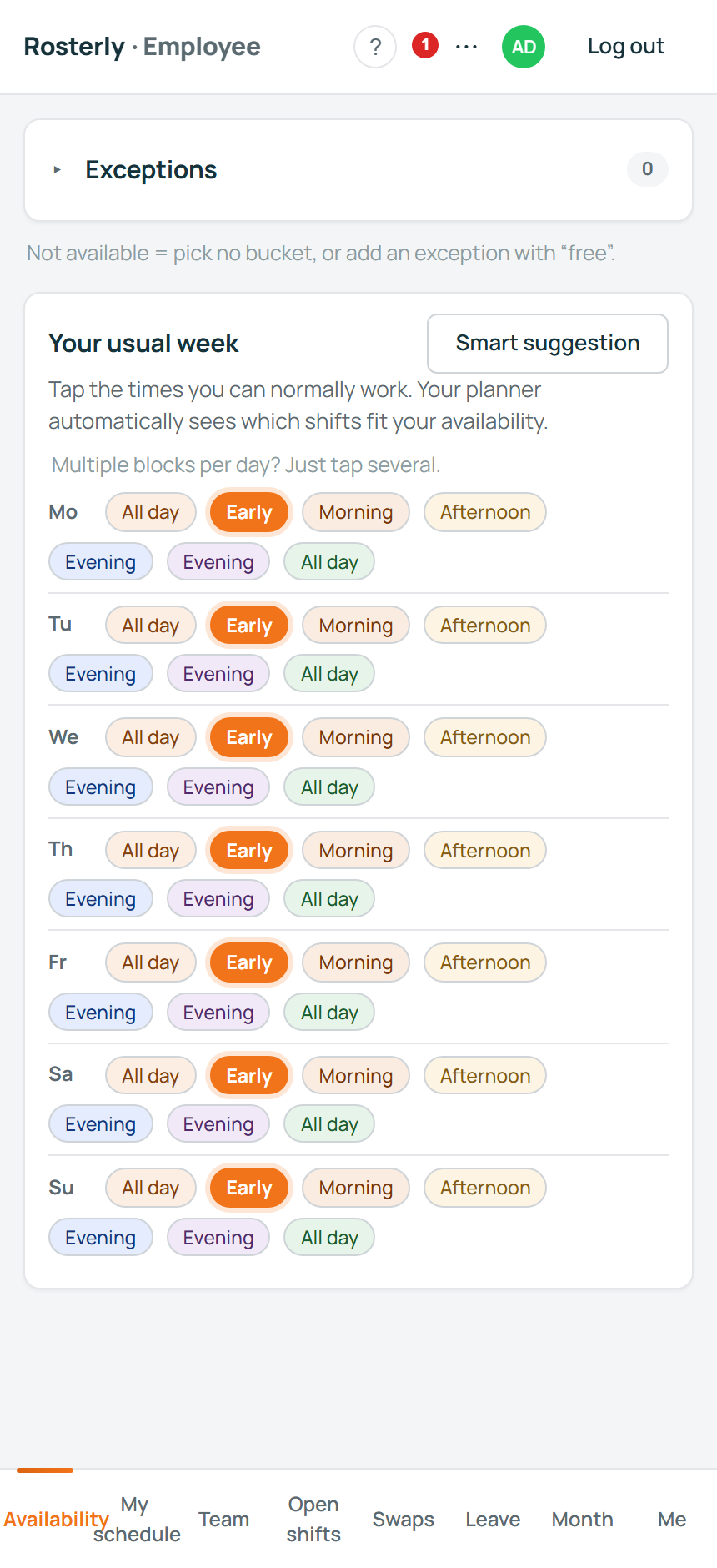
- Availability mapped onto the shift templates someone can really work, with the reason shown when they cannot.
- Payroll export as CSV: net minutes per shift, the hours in each category, the hourly wage and the amount.
Price
What it costs at your size
€3.50 per active employee per month, free up to three. An active employee is someone with at least one shift in the month you are invoiced for. Locations and planner accounts are not line items.
- 3 active employees — €0 a month
- 4 active employees — €14.00 a month
- 12 active employees — €42.00 a month
- 25 active employees — €87.50 a month
Those are monthly subscription totals at those sizes: €3.50 for each employee who worked that month, with the first three counted employees free. They are not a wage bill — the week above is €2,818.63 in wages. The example restaurant, six people working that month, pays €21.00 a month. See the pricing page for the edges: a one-time €195 guided setup if you would rather we loaded your staff and roster with you, and nothing charged for self-serve.
More on the shapes this page is built from: availability your staff will actually fill in, and the guide to Sunday and night surcharges in the Netherlands.
Plainly
What this page is not
- It is not legal or payroll advice. The percentages, hours and holiday flags are the ones entered in a workspace, and your collective agreement and payroll bureau decide what you owe.
- It does not run payroll. It exports the CSV your payroll bureau asks for.
- It does not read your till, your POS or your card terminal.
If your roster has to answer to something else — a works council, an inspector, a payroll bureau with its own rounding rules — read the working-hours guide and security and your data next.
Put your own week in it
Create a workspace, add your people with their hourly wages, type in the four shift shapes above and copy the week you are running now. Nothing is invoiced until more than three people have a shift in a month.
Questions first? support@roosterly.pro · comparing tools? Rosterly and L1NDA