Rest that disappears between two shifts
At least 11 hours of rest is required between shifts, reducible to 8 hours once a week. A late close followed by an early opening breaks it, and a wall of coloured blocks does not tell you so.
Staff scheduling for Dutch hospitality and retail
Rosterly builds the week for cafés, shops, salons, garages and small teams: who works when, what each day costs, and whether the plan sits inside the Dutch working-hours rules — checked before you publish, not after.
Free for up to three active employees, no card required. Above that, €3.50 per active employee per month.
The problem
Most small businesses plan the week in a spreadsheet, a notebook or a group chat. Those hold the plan; they do not hold the rules of the Dutch Working Hours Act (Arbeidstijdenwet). The mistakes below are rarely carelessness — they are what happens when someone builds a week at 23:00 with nothing checking the arithmetic.
At least 11 hours of rest is required between shifts, reducible to 8 hours once a week. A late close followed by an early opening breaks it, and a wall of coloured blocks does not tell you so.
Night work is measured over a reference period rather than per week, so a busy month can push somebody past the limit while every individual week still looks normal.
For 16 and 17 year olds the limits are tighter: a maximum of 9 hours a day and 45 hours a week, and no work between 23:00 and 07:00. Easy to miss on paper, awkward to explain afterwards.
Two shifts that each look reasonable can add up to more than the 12-hour maximum for a single day, or push a week past the 60-hour limit. Contract hours are the other half of the same sum.
Sunday and public-holiday surcharges are calculated per calendar day. An overnight shift therefore splits across two rates — a detail a spreadsheet quietly gets wrong, and you find out at month end.
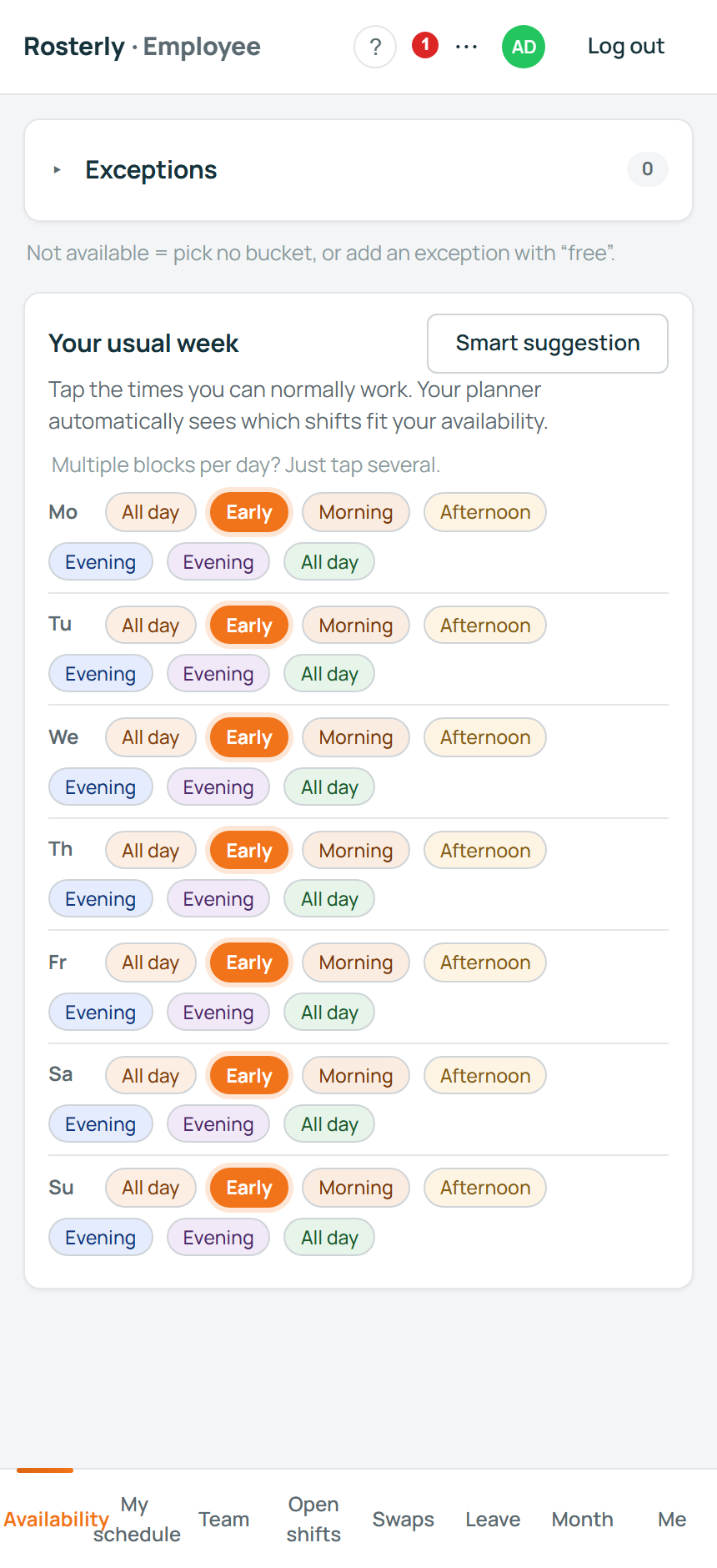
A holiday request in a group chat is not a plan, and a student's changed timetable is not a plan either. Availability, leave and open shifts need one place everyone can see.
How it works
Four steps, all of them in the browser. No installation, no onboarding call, and no data-entry evening unless you ask us to take it on.
About two minutes of plain questions: the kind of business you run and when you open. Rosterly creates your locations, shift types, departments and availability blocks, and every one of them stays editable afterwards.
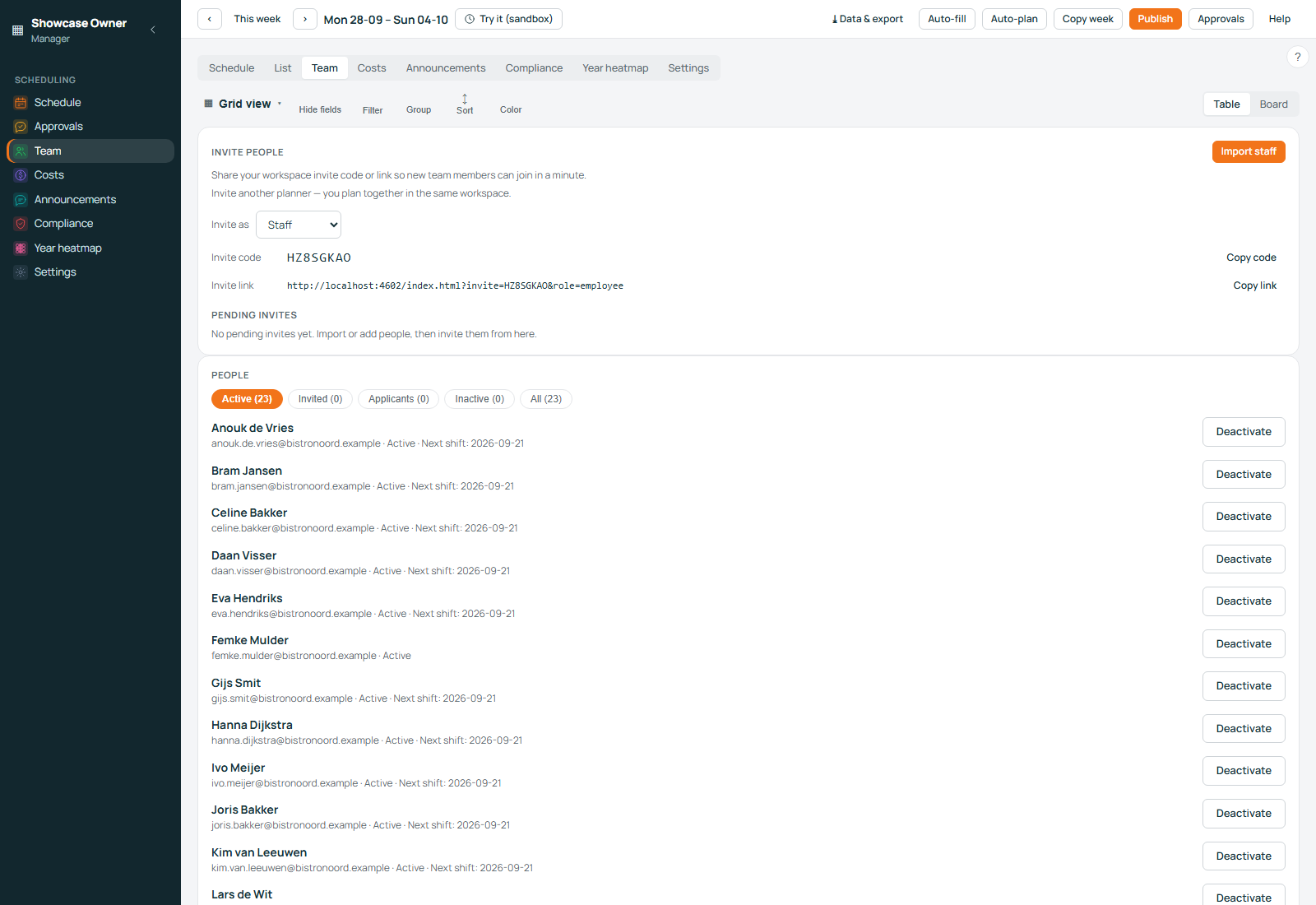
Invite them with a code, or import a CSV — including an export from another tool, where the column names are in Dutch. Contract hours and hourly wages are set here, because everything the planner shows is built on them.
Drag shifts in the grid, or let automatic planning draft the week for you. Each day shows its cost as you go, weekly hour budgets and per-day cost guardrails warn you while you plan, and a what-if sandbox lets you test a week you have not published.
Publishing notifies the team and puts the week in their app. Uncovered shifts go to Coverage Autopilot, staff can claim open shifts for your approval, and the swap marketplace matches two people who each want what the other has. An open shift can also be shared through a public link that needs no login.
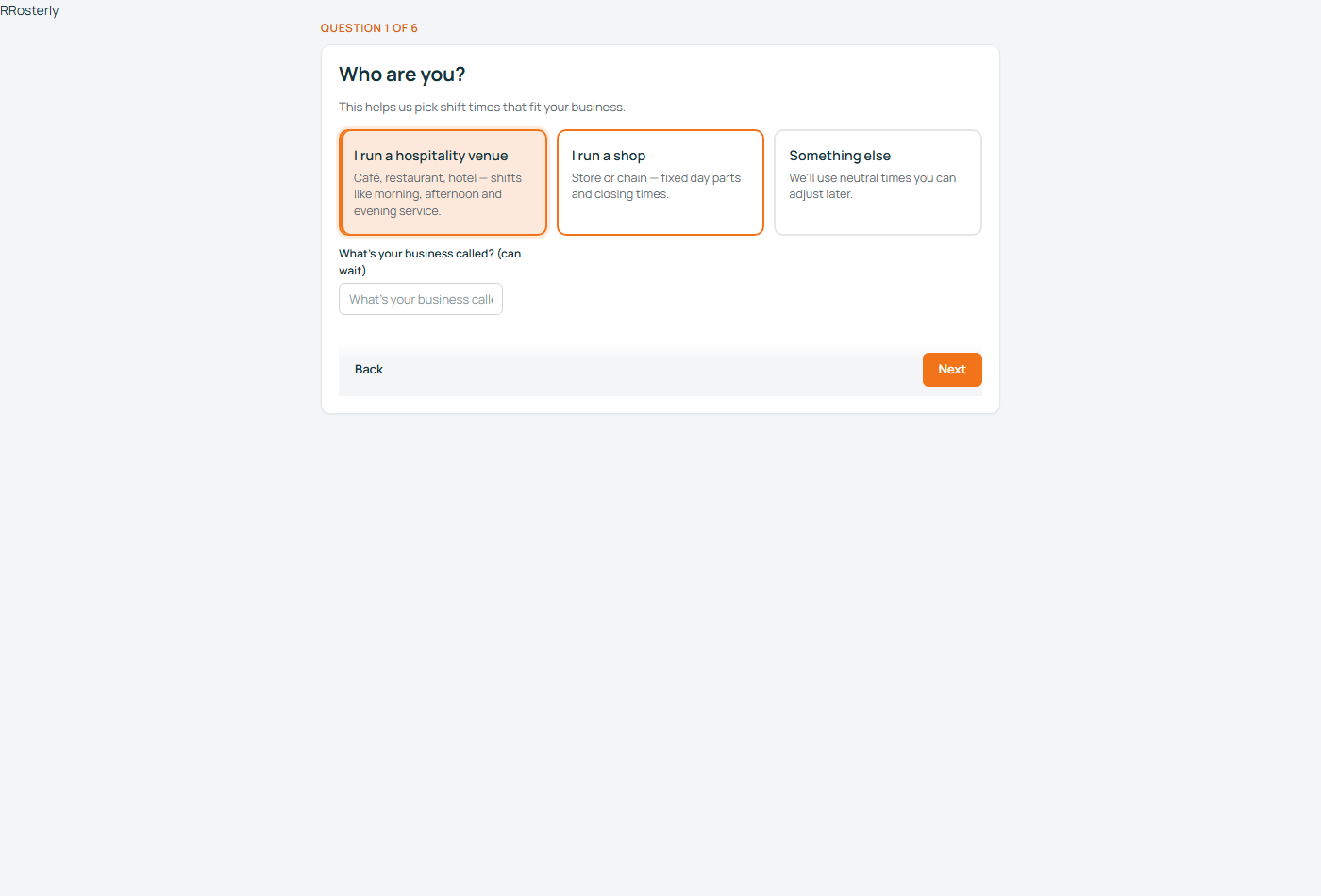
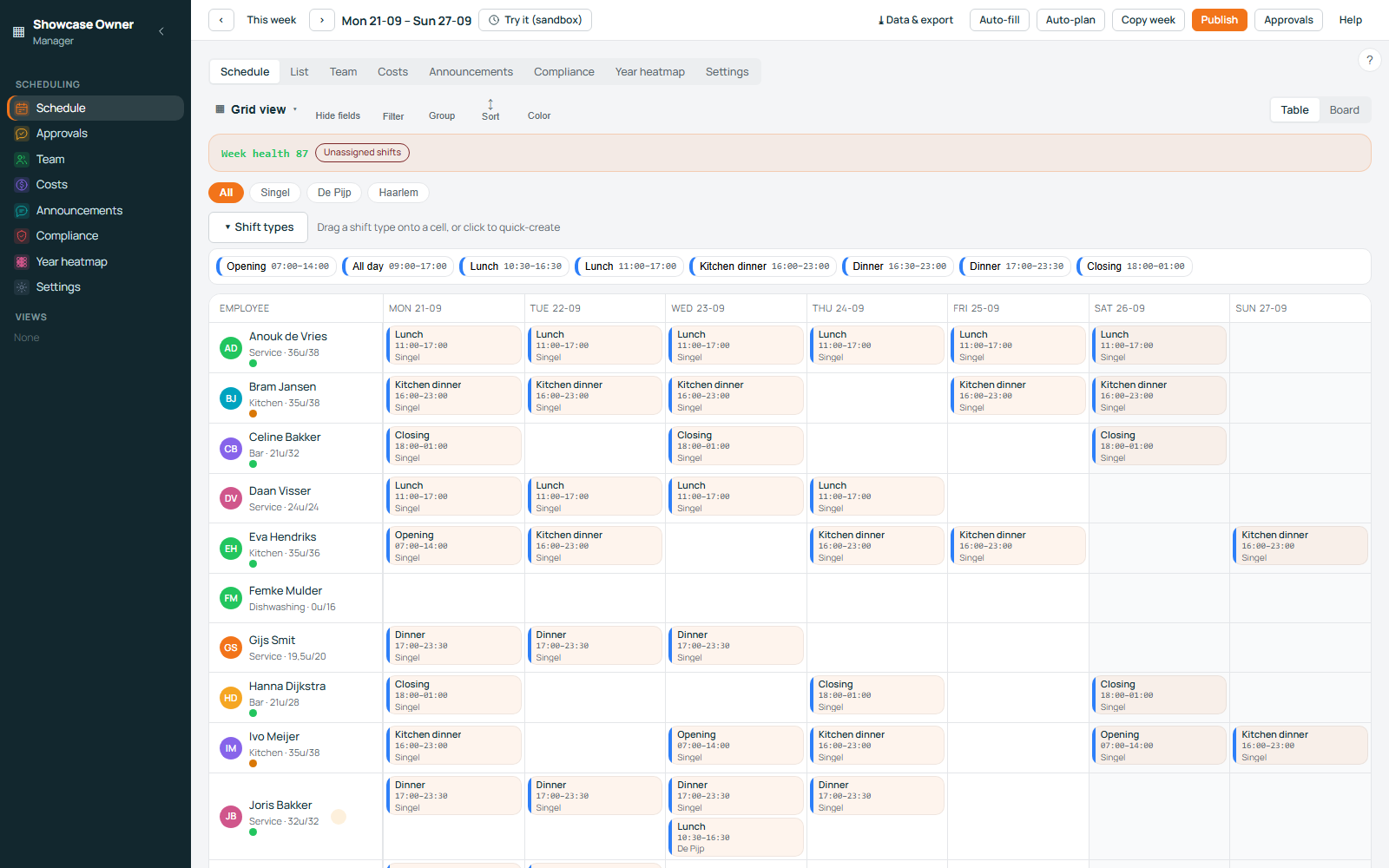
The product
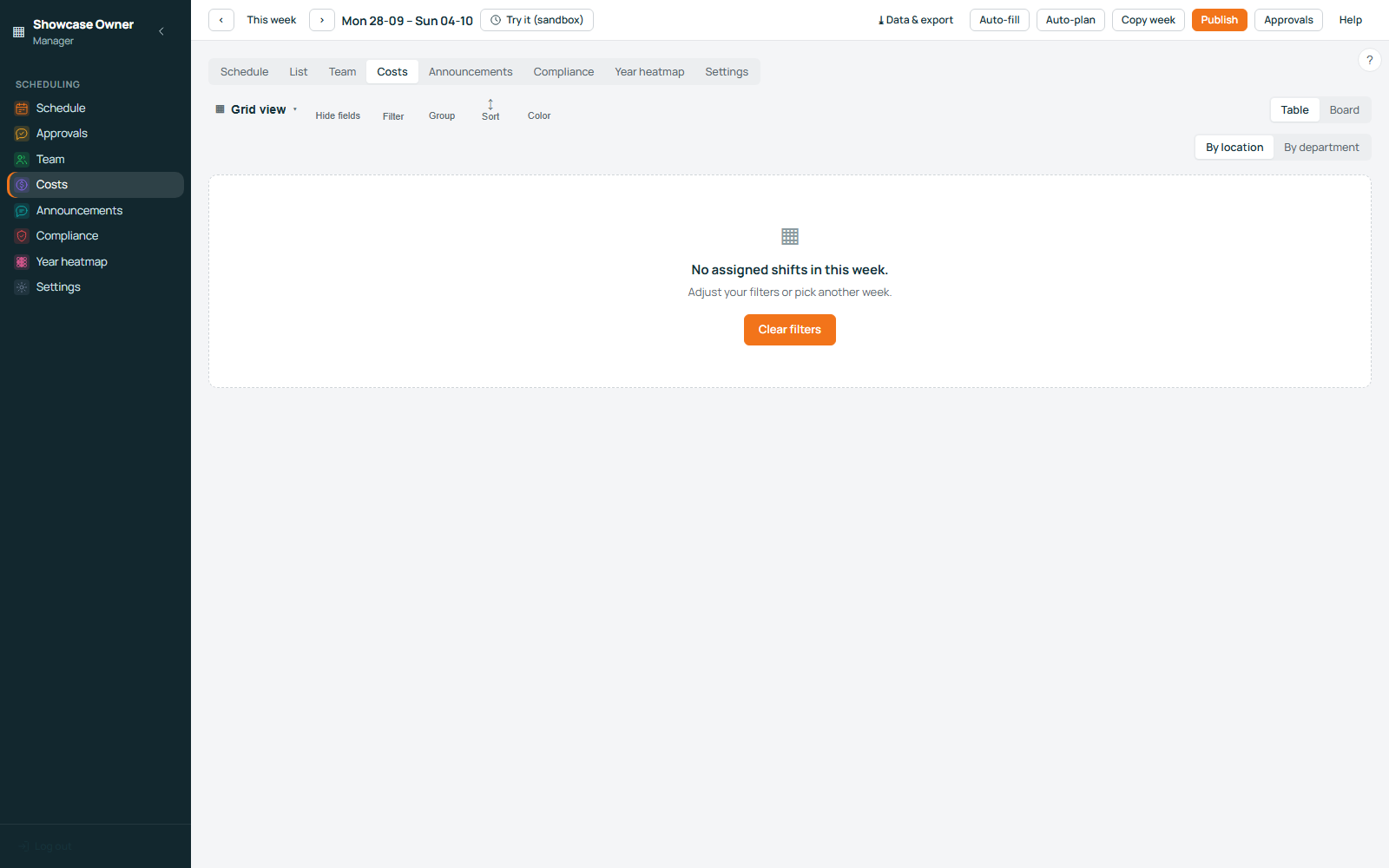
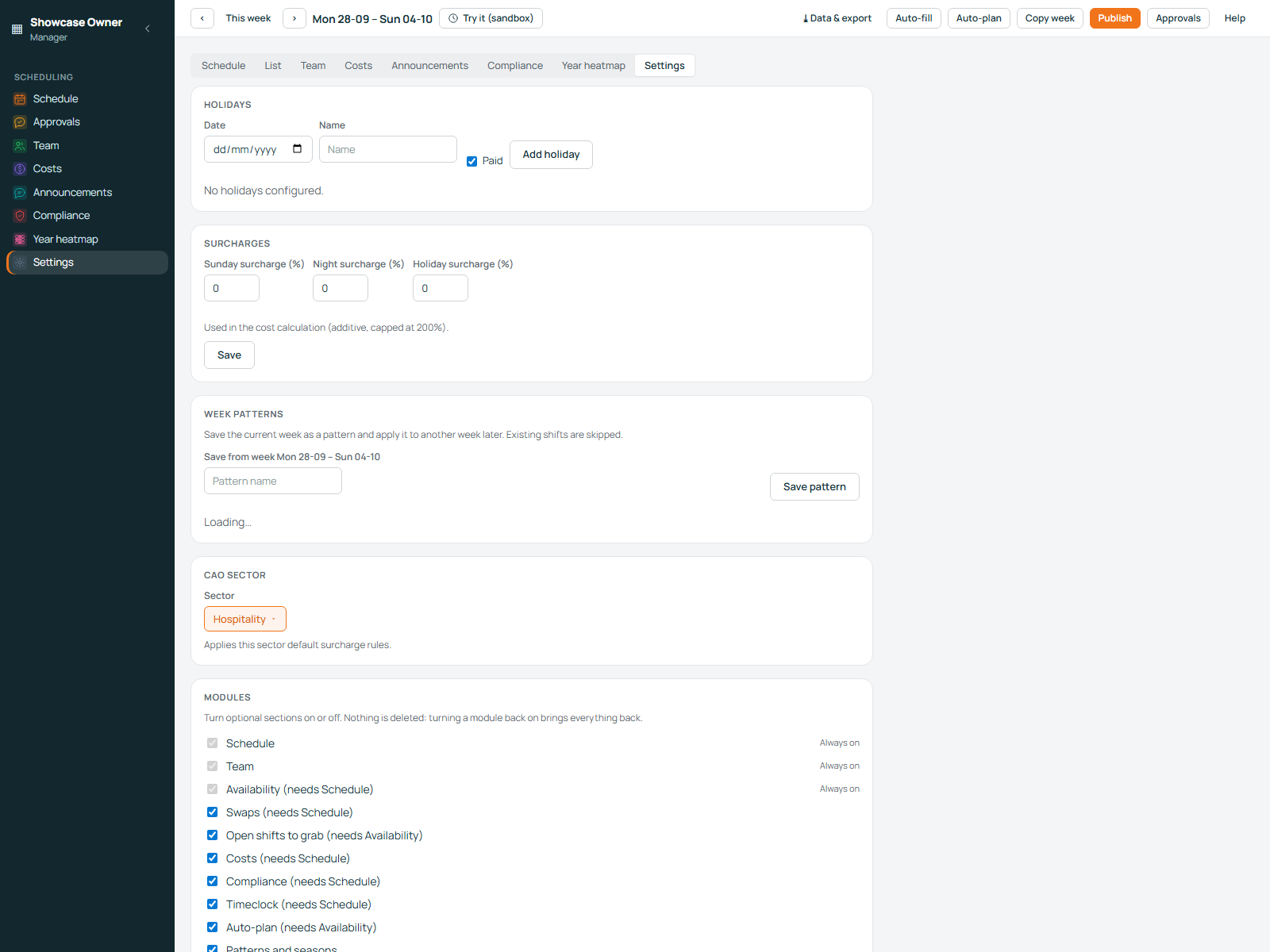
Real screenshots of Rosterly, taken in a demo workspace. The product tour goes through the same screens with more detail, including the staff app and the what-if sandbox.
The rules, in the product
Rosterly runs the statutory rules of the Arbeidstijdenwet over your own roster and reports the findings per person, in plain language, while you can still change the plan.
What Rosterly is not: it is planning software, not legal advice and not payroll. The costs are planning estimates, your CAO can be stricter than the law, and the responsibility for a compliant rota stays with you. We show you what to check; your payroll administration and your accountant stay yours.
More on the rules: the Dutch working-hours act in plain language · Sunday and holiday surcharges · availability · staff scheduling.
Who it is for
Rosterly is built for small businesses, from a team of two to a few hundred people. Multiple locations, departments and staff who float between them are all handled the same way.
What it costs
An employee counts as active in a month when they were actually assigned a shift in that month, so a quiet January costs less than a busy July. No minimum, no tiers, no per-location fee and no per-planner fee. Prices exclude VAT.
€0 free forever, no card required
The whole product, legal checks included, with no invoice and no trial clock. A two-person café, a food truck, a salon or a shop that has not hired yet stays free.
€3.50 per active employee, per month
Unlimited locations, departments, shift types and planner accounts are included. A student who goes home for three weeks, or a terrace you close for the winter, costs nothing in the months they do not work.
€195 one time, optional
We import your people and set up your shifts, locations and rules for you, including an export from another tool. Do it yourself with the wizard and this is free — you are only charged if you ask us to take it on.
There is also an optional Care plan at €75 per month, for owners who would rather have changes made for them. It is described on the pricing page, and nothing on this page requires it.
Questions
No. Rosterly is planning software: it builds the rota, checks it against the working-hours rules and shows what the plan costs. Those amounts are planning estimates based on the wages and rules you enter, and they do not determine anyone's pay. Your payroll administration stays your payroll administration — we hand it the hours.
Someone with at least one assigned shift in the calendar month you are invoiced for. Nobody else is counted, ever. People who left in March are not on an April invoice, and a location you closed for the season does not add anyone.
No. Rosterly runs in the browser on your laptop and on any phone, and there is nothing to install from an app store. Your staff open the link, and can add it to their phone's home screen so it behaves like an app. The free band needs no card at all.
You cancel whenever you like; there is no annual contract to escape. Export everything with one click first — your rota history, your people, your hours — and we delete the data on request. No cancellation fee, and no holding your data while you decide.
Create a workspace, answer two minutes of questions and plan next week. If you have three or fewer active employees, you will never be invoiced.
Questions before you start: support@roosterly.pro. Payroll bureau, kassa dealer or consultant: partners@roosterly.pro for the partner kit.